Inventory
This page belongs to Service → Inventory in the service menu of the vending unit.
The Inventory section provides access to information about the financial and mechanical inventory of the machine.
It allows service personnel to check the internal state of payment components and the trolley depot.
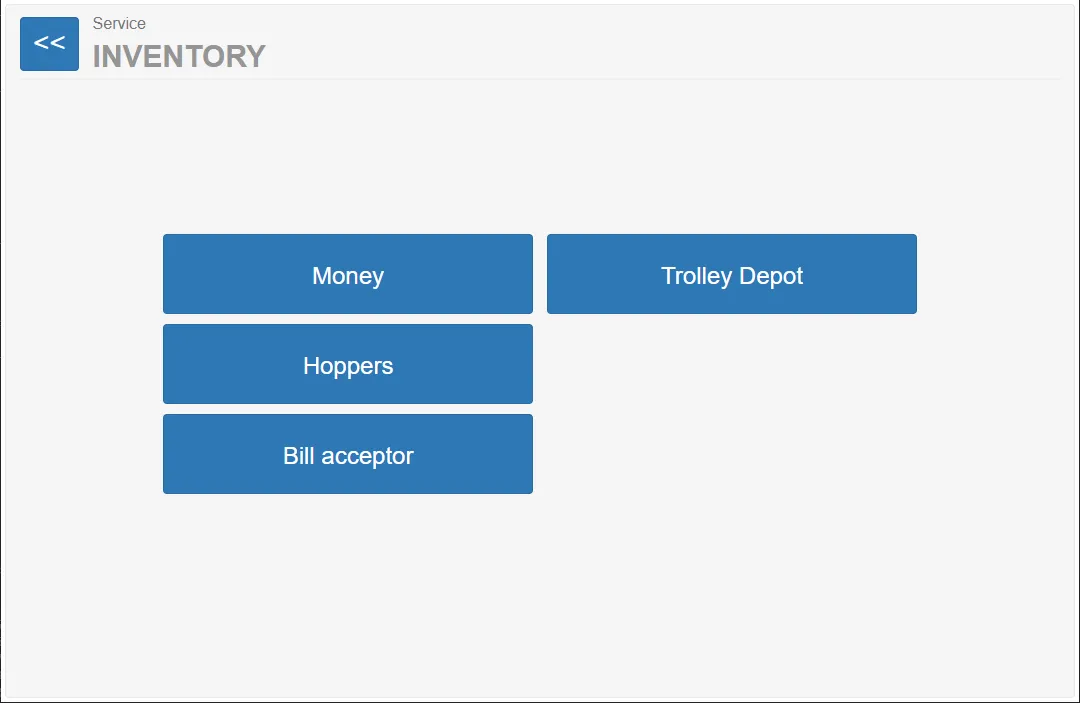
From this page the technician can open different inventory-related sections.
Available sections:
- Money
- Trolley Depot
- Hoppers
- Bill acceptor
Each button opens a page with detailed information about the corresponding subsystem.
Relevant Sections in the Current System
Section titled “Relevant Sections in the Current System”In the current configuration of the vending unit, only two sections are used:
The Money section contains information about the monetary inventory of the machine.
Typical information may include:
- collected payments
- deposit amounts
- current cash balance
- transaction statistics
This section is used for accounting and service diagnostics.
Trolley Depot
Section titled “Trolley Depot”The Trolley Depot section provides information about the trolley storage system.
Typical information may include:
- number of trolleys in the depot
- trolley availability per rail
- operational status of the trolley storage system
This section helps technicians verify the mechanical capacity of the trolley depot and detect potential problems.
Sections Not Used in the Current Configuration
Section titled “Sections Not Used in the Current Configuration”The following sections are present in the interface but are not used in the current machine configuration:
Hoppers
Section titled “Hoppers”The Hoppers section would normally display information about the coin hopper used for automated coin payout.
Bill acceptor
Section titled “Bill acceptor”The Bill acceptor section would provide information about a banknote validator.