System Page
This page belongs to the System section of the vending machine service menu. It can be opened from the main service menu by selecting System.
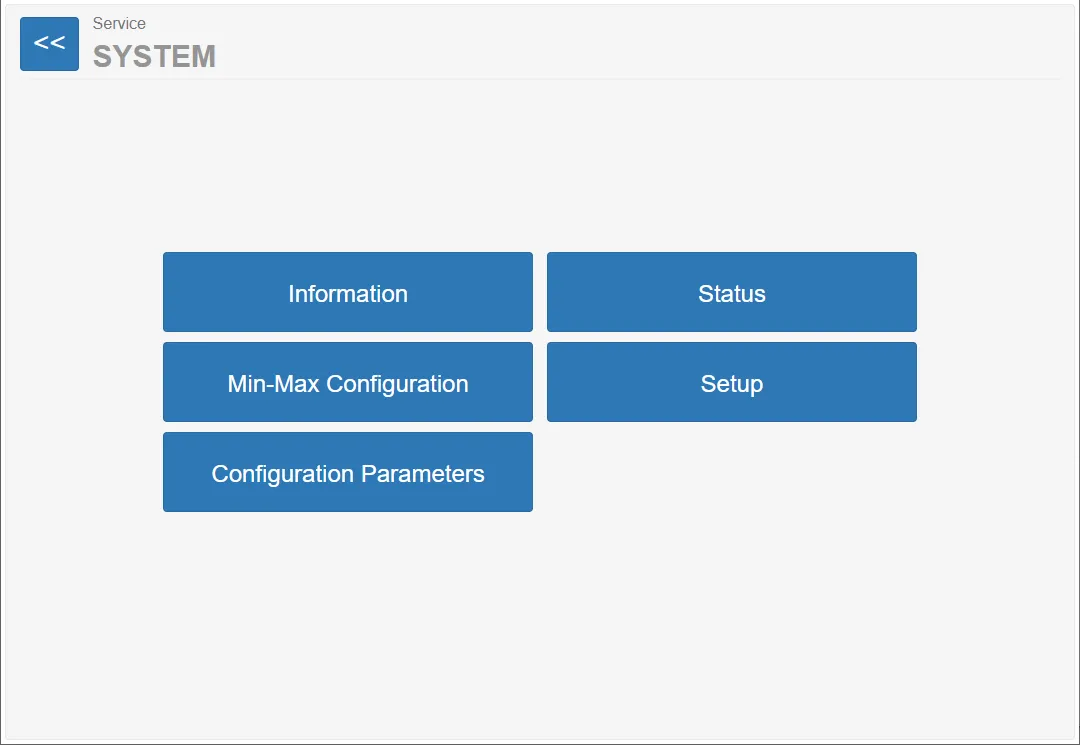
The System section provides access to system information, machine status monitoring, and configuration options for various system parameters.
This page is mainly used for system diagnostics, monitoring, and configuration.
Menu Sections
Section titled “Menu Sections”This page provides several system management functions.
Information
Section titled “Information”Opens a page displaying general information about the machine and system.
Status
Section titled “Status”Displays the current operational status of the vending machine.
Min-Max Configuration
Section titled “Min-Max Configuration”Opens the page used to configure minimum and maximum system limits.
The Setup section contains configuration options related to system installation and base configuration.
Configuration Parameters
Section titled “Configuration Parameters”This section contains advanced system parameters controlling machine behavior.