Security
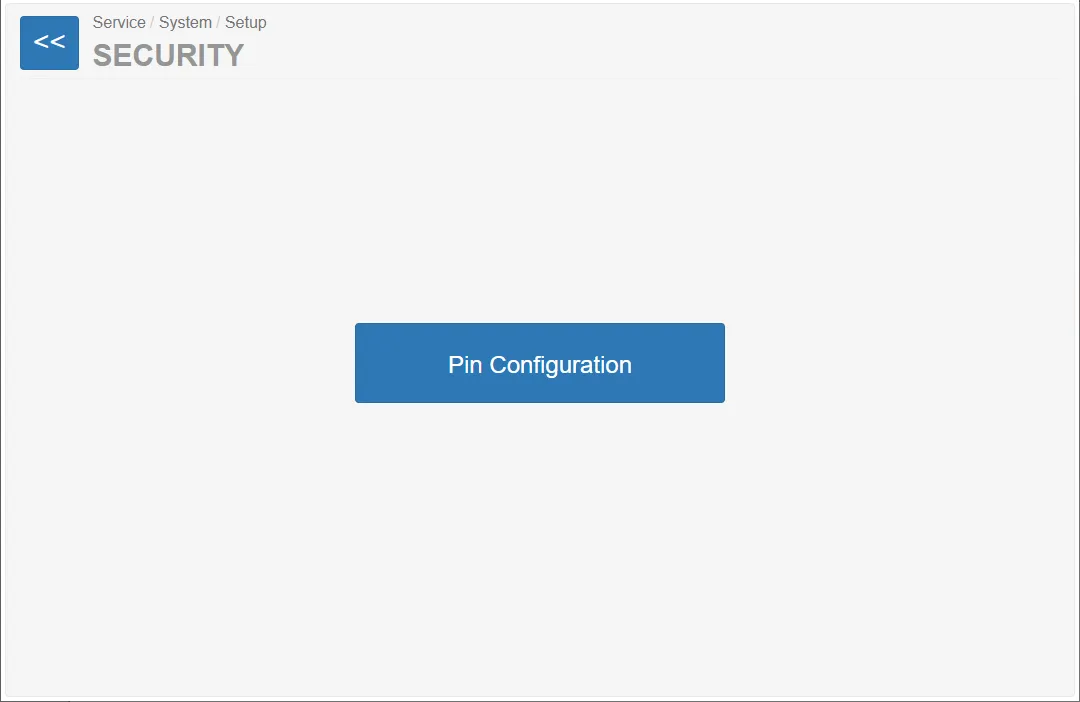
The Security section provides access to configuration options related to system access protection.
In this interface the page contains a single configuration item:
Pin Configuration
This option allows defining or removing a configuration PIN code.
PIN Configuration
Section titled “PIN Configuration”After selecting Pin Configuration, the PIN Configuration page opens.
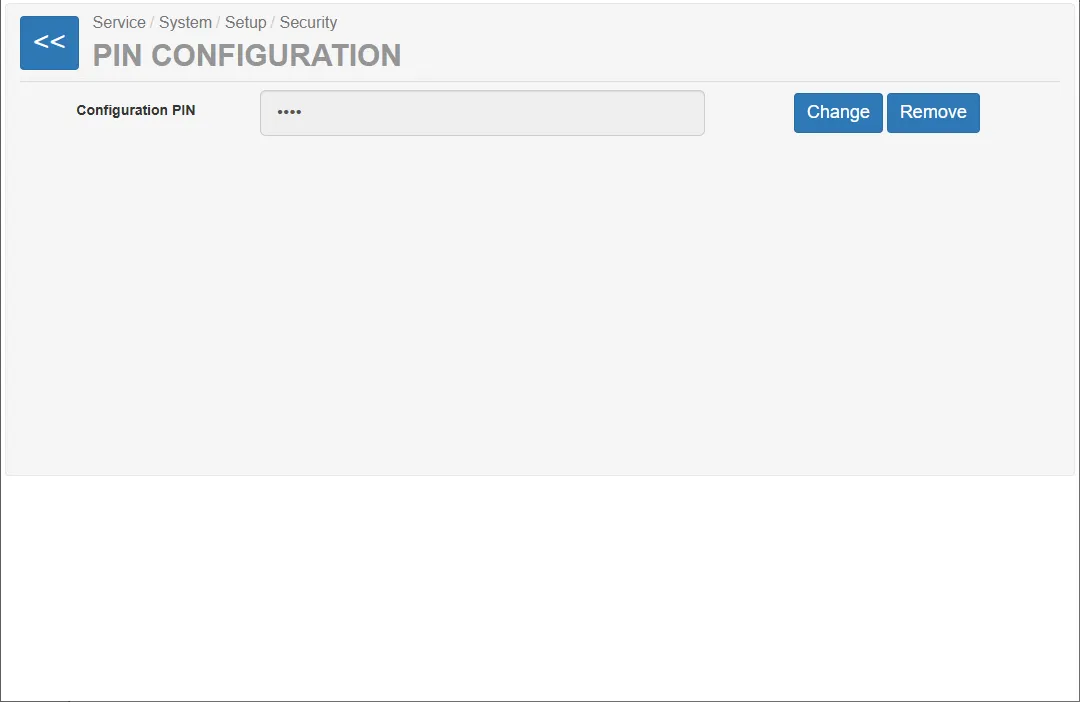
The entered value defines a PIN code required to access specific configuration parameters in the system.
For security reasons, the PIN value is displayed as masked characters:
Available Actions
Section titled “Available Actions”Two actions are available for the configuration PIN.
Change
Section titled “Change”This option allows defining a new configuration PIN or modifying the existing one.
Remove
Section titled “Remove”This option removes the configured PIN code.
After removal, protected configuration parameters can be accessed without entering a PIN.
Purpose of the Configuration PIN
Section titled “Purpose of the Configuration PIN”The configuration PIN protects access to specific system configuration sections located in:
System → Configuration Parameters
Specifically, the PIN protects the configuration of the following standalone modules:
- Standalone Rails
- Standalone Turnstile
These settings are intended for systems where rails or turnstiles operate in standalone mode.