Test Page
This page belongs to the Service → Test section of the vending machine service menu.
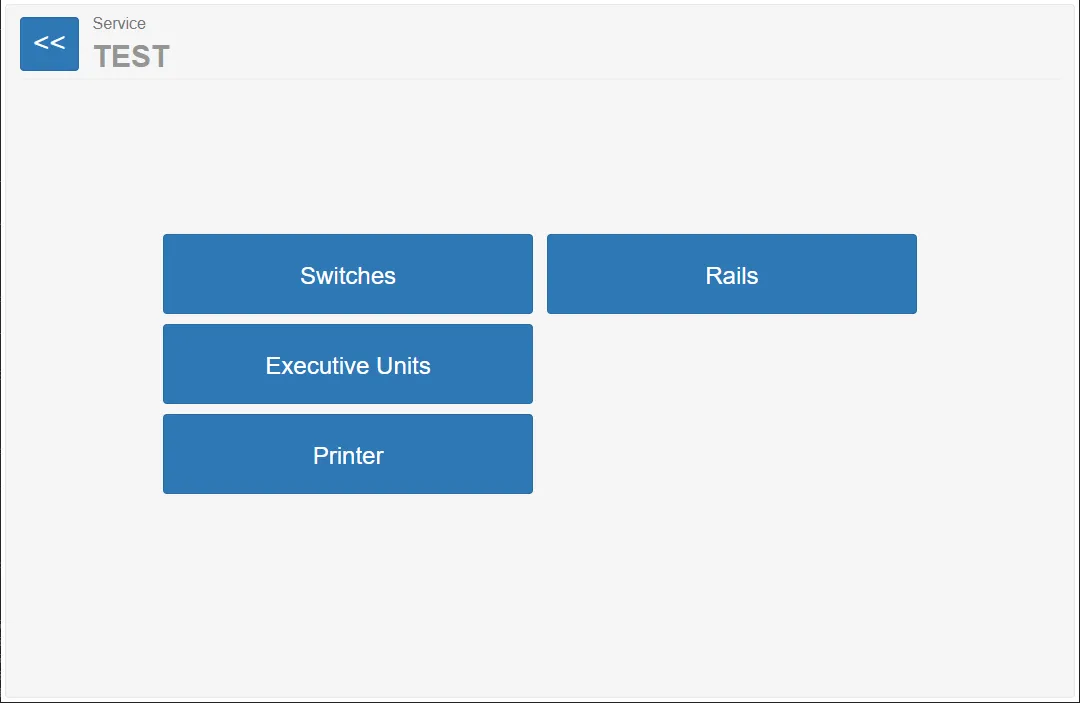
The Test page provides access to several diagnostic tools used to verify the operation of hardware components installed in the vending machine.
These tools allow service technicians to manually test and validate different system elements such as:
- input signals
- hardware switches
- output signals
- trolley rail mechanisms
- the receipt printer
The test functions help technicians quickly identify hardware problems during installation, maintenance, or troubleshooting.
The pages opened by the buttons on this screen are described in the following sections of the documentation.
Test Menu Options
Section titled “Test Menu Options”The Test page contains several buttons that open different diagnostic tools.
Each tool allows testing of a specific hardware subsystem.
Switches
Section titled “Switches”Inputs / Switches opens a diagnostic interface for monitoring the state of hardware inputs and switches.
The Rails test module allows technicians to test the trolley rail mechanisms.
Executive Units
Section titled “Executive Units”The Executive Units section provides access to testing of hardware output signals.
Printer
Section titled “Printer”The Printer test module allows technicians to test the receipt printer.