Start Page
This page is the main entry point of the service menu of the luggage trolley vending machine.
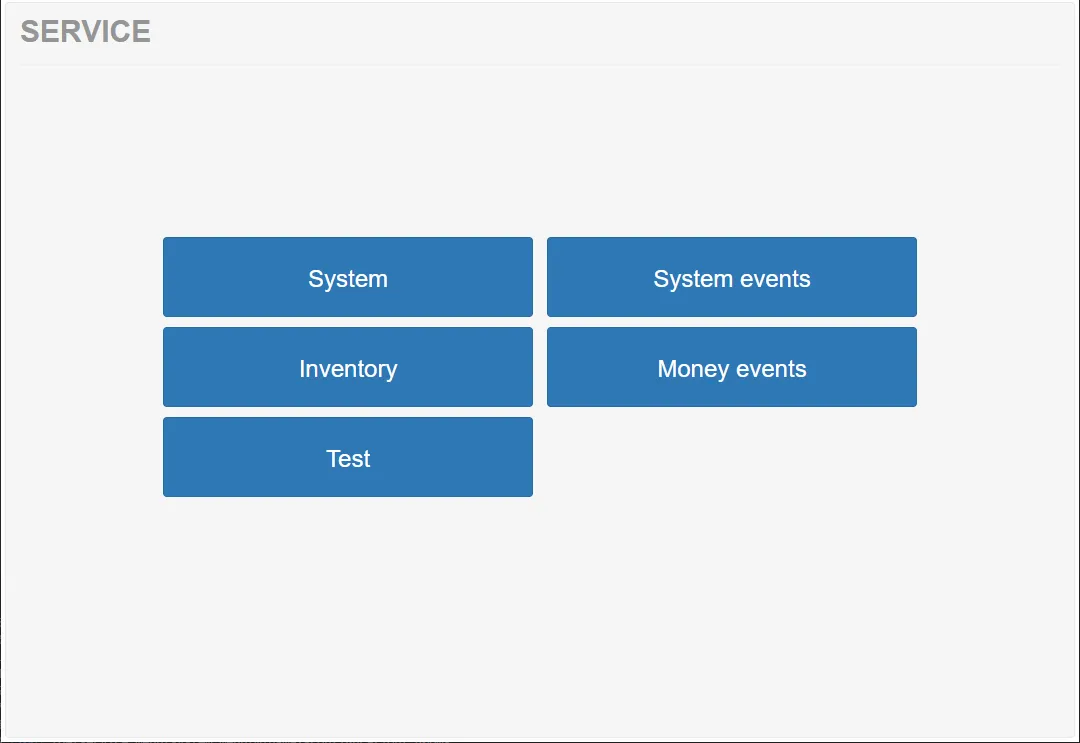
The page automatically appears on the machine display when the vending machine door is opened. Opening the door activates service mode, allowing technicians to access diagnostic tools, system configuration options, and maintenance functions.
From this page, service technicians can navigate to different areas of the system to monitor, configure, or test the vending machine.
Menu Sections
Section titled “Menu Sections”The main service menu contains several functional sections.
System
Section titled “System”Opens the System section of the service menu.
System Events
Section titled “System Events”Opens the list of system events.
Inventory
Section titled “Inventory”The Inventory section displays information about the current state of the machine’s mechanical inventory.
Money Events
Section titled “Money Events”Opens the list of money-related events. Not relevant to the current configuration.
The Test section allows service technicians to test different hardware components of the machine.